How to Register Your Property on Booking.com in Egypt: Step-by-Step Guide
Whether you own an apartment in Cairo, a chalet in Ain Sokhna, or a beachfront villa in Hurghada, listing on Booking.com opens your property to millions of travelers worldwide. Registration is free and straightforward — but doing it correctly from day one will determine how quickly you start receiving bookings. This guide walks you through every step.
What You Need Before You Start
| Requirement | Details | Mandatory? |
|---|---|---|
| Active email address | Used for login and receiving reservations | ✅ Yes |
| Egyptian phone number | For verification and guest communication | ✅ Yes |
| Full property address | Street, district, city, postal code | ✅ Yes |
| Property photos | At least 10 high-quality images | ✅ Yes |
| Bank account details | To receive payments from Booking.com | ✅ Yes |
| Tax registration number | Required in some cases for businesses | ⚪ Sometimes |
Step-by-Step Registration Process
Step 1: Create a Partner Account
- Go to partner.booking.com or search "Booking.com list your property"
- Click "List your property"
- Enter your email address and create a strong password
- Verify your email by clicking the confirmation link sent to your inbox
Step 2: Choose Your Property Type
| Property Type | Best For |
|---|---|
| Apartment | Fully rented residential apartments |
| Villa | Standalone villas and chalets |
| Aparthotel | Multiple units in one building |
| Holiday Home | Vacation and tourist properties |
| Hotel | Official hotel establishments |
Step 3: Enter Your Location
Enter your full address in detail: street, district, city. Use the Google Map pin to mark your exact location — this directly affects your visibility in geographic search results on Booking.com.
Step 4: Add Room & Unit Details
Specify the number and types of rooms (double, suite, studio), capacity per unit, and all available amenities (WiFi, AC, kitchen, pool, etc.).
Photo Guidelines — First Impressions Win Bookings
| Room/Area | Recommended Photos | Shooting Tips |
|---|---|---|
| Living Room | 3–4 shots | Shoot from the corner that shows the most space |
| Bedrooms | 2–3 per room | Natural light, bed fully made |
| Bathroom | 1–2 shots | Spotlessly clean, folded towels |
| Kitchen | 2 shots | Show appliances and counter space |
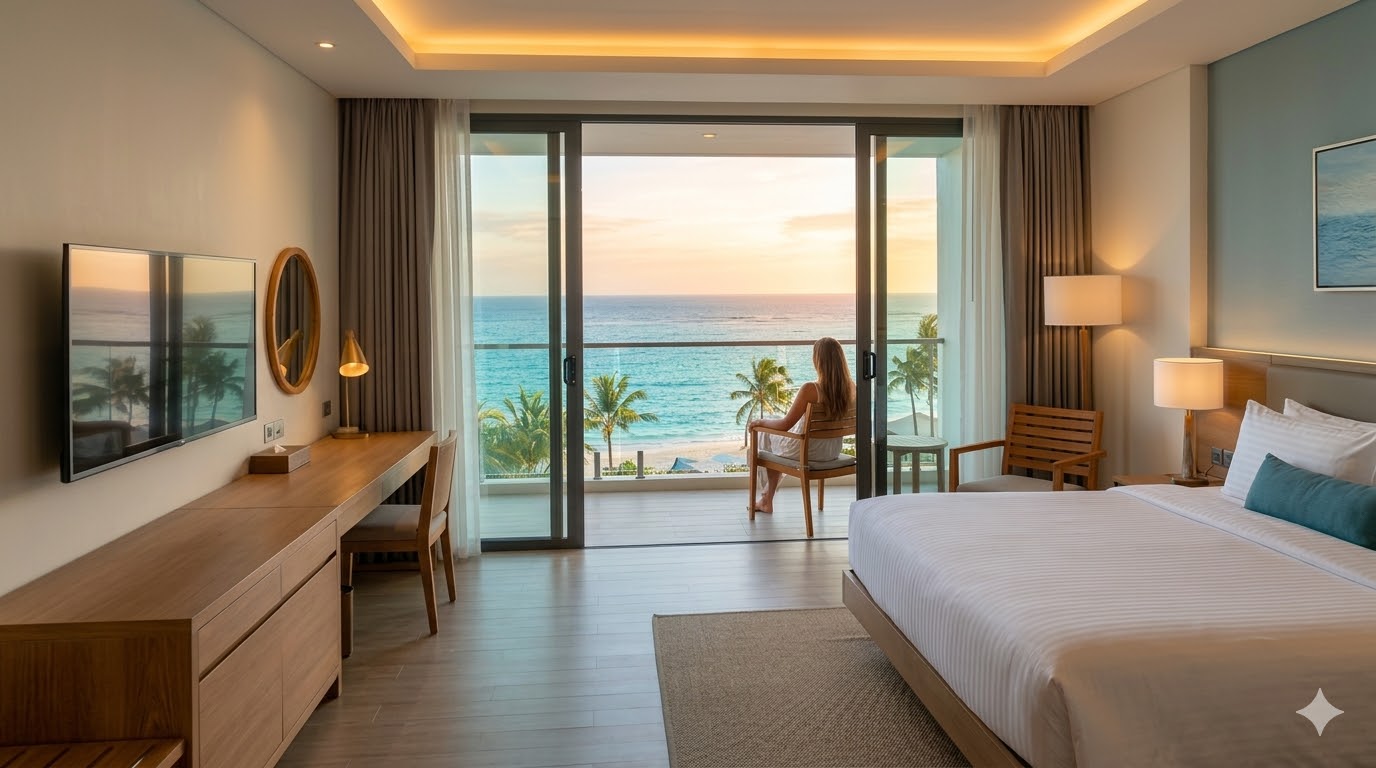
| Balcony/View | 2–3 shots | Sunset or golden hour shots add huge value |
| Building exterior | 1–2 shots | Helps guests recognize it on arrival |
Setting Your Initial Prices Smartly
Your opening price affects your very first appearance in search results. Use this smart launch strategy:
- Research similar properties in your area and note their prices
- Launch 10–15% below competitors to attract your first bookings and reviews
- Gradually raise prices after collecting 10+ positive reviews
- Set higher rates for peak seasons (summer, Eid, New Year, conferences)
Cancellation & Payment Policies
| Policy Type | Description | Best For |
|---|---|---|
| Free Cancellation | Guest cancels free before 24–48 hours | Attracting more bookings volume |
| Non-Refundable | No refund on cancellation | Securing guaranteed income |
| Custom Policy | Define your own terms | Experienced hosts |
💡 GateIn Tip: List on Multiple Platforms Simultaneously
After registering on Booking.com, expand your reach by listing the same property on Airbnb, Agoda, and more. GateIn syncs your calendar and prices across 150+ platforms for free — zero risk of double bookings.
What Happens After Registration?
- Booking.com's team reviews your property information (usually within 24–48 hours)
- You receive a confirmation email once your listing is approved and live
- Your property becomes visible to travelers immediately after approval
- In popular tourist areas, your first booking can arrive within hours of going live
Frequently Asked Questions
Is registering on Booking.com free?
Yes, completely free. Booking.com only charges a commission when a booking is completed — typically between 10–18% depending on your region and property type.
How long does the approval process take?
Usually 24–48 hours. Occasionally the team may request additional information, which can extend the process to about a week.
Do I need a tourism license to list in Egypt?
Legally, short-term tourism rentals in Egypt require registration with the Egyptian Tourism Promotion Authority. It's recommended to consult with local authorities for the most current requirements.
List on Booking.com + 150 More Platforms with GateIn
Maximize your bookings from day one by listing across multiple platforms and managing them all in one place. Start free with GateIn →